Quote at the counter, not after hours
Enter the size, tap a moulding, mat and glass, and watch the frame draw itself. Good / Better / Best pricing lets the customer choose without a calculator.
For custom framing shops
Sign inFrame It Fast turns a fifteen-minute guessing game into a priced, approved, deposited ticket — with the cut sheet already waiting at the bench.
No card required · Works on a tablet at the counter · Built in a working gallery
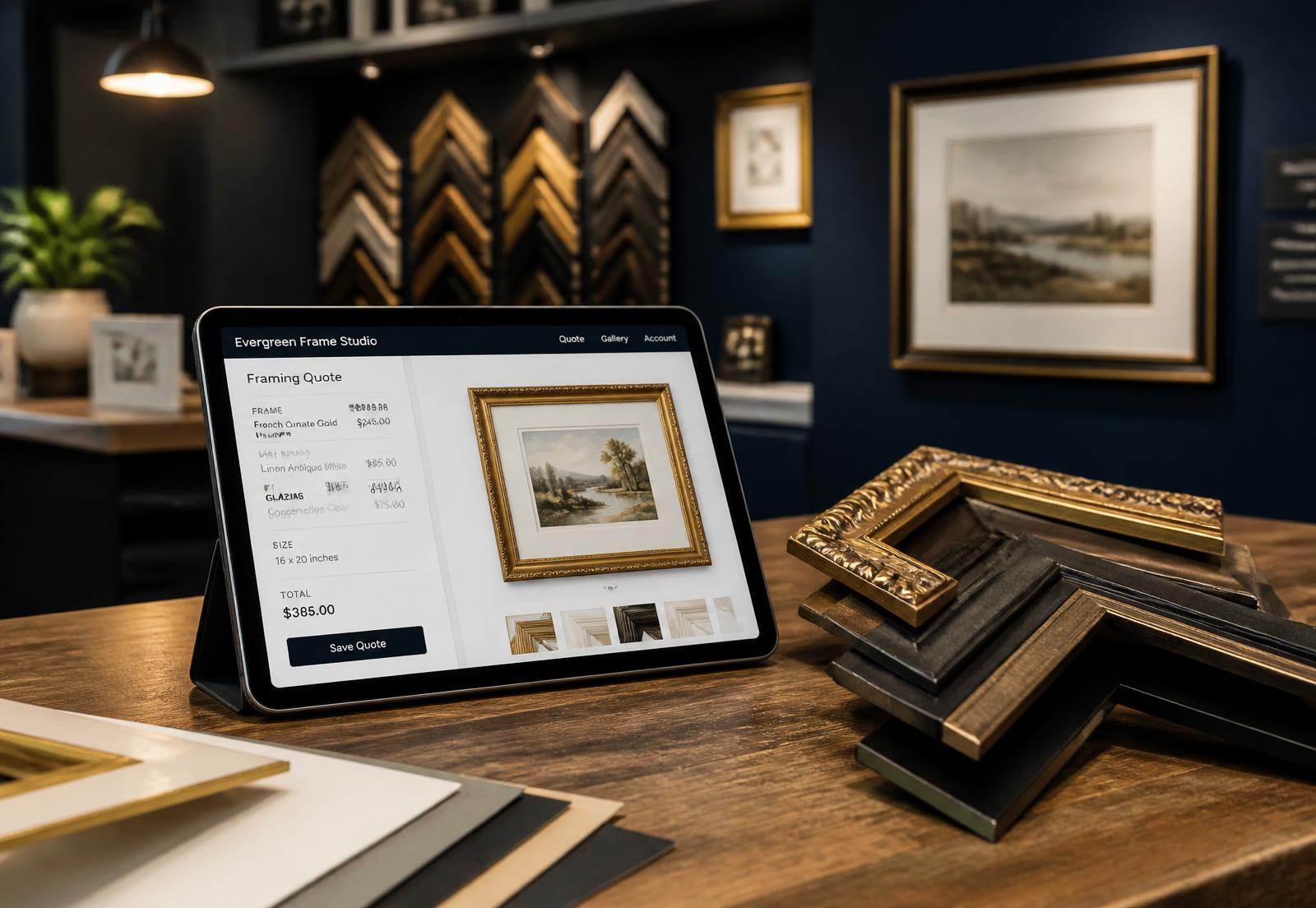
Chart on the wall, calculator on the counter, and a price that changes depending on who is working.
Jobs lost in a stack, due dates missed, and nobody sure what's been picked up or what's aging on the shelf.
Chops cut from a length that was already promised, and a stock count that was true six months ago.
Not a generic point of sale with a framing plugin. Every screen was built around the way a frame job actually moves through a shop.
Enter the size, tap a moulding, mat and glass, and watch the frame draw itself. Good / Better / Best pricing lets the customer choose without a calculator.
Quote each piece on its own, then show the whole set on a simulated wall when it's time to approve. One ticket, one deposit, one due date.
Drag jobs through the shop, watch due dates on a calendar you can subscribe to from Outlook, Apple or Google, and flag anything aging on the shelf.
Scan a vendor barcode, print a shelf label on a Dymo, and drop the bin onto a drawable shop map. Counts, movements and undo included.
Cut sheets with checkboxes, pull lists and barcodes for the shop. Clean branded quotes, receipts and pickup notices for the customer.
Deposits, balances at pickup, tax-exempt sales, margin per job and weekly completion reports — with numbers formatted to key straight into your register.
01
Tap a common size or enter the art. Presets like Gallery Black fill the whole build in one touch.
02
The customer sees their frame on a second screen — no SKUs, no margins, just the piece and the price.
03
Half deposit or paid in full, recorded with a timestamp and a signature on the tablet.
04
Cut sheet prints, materials come off inventory, the customer gets a pickup email and signs on collection.
Nothing about how you frame changes. What changes is everything you currently keep in your head or on a clipboard.
| At the counter | On paper today | With Frame It Fast |
|---|---|---|
| Pricing a job | Wall chart and a calculator | Live price as you tap materials |
| Showing the customer | Corner samples and imagination | Their piece drawn on a second screen |
| Multi-piece orders | Three tickets and a rubber band | One ticket, one deposit, one due date |
| Knowing what's late | Flipping through a stack | Queue that turns yellow, then red |
| Taking a deposit | Note on the envelope | Timestamped, signed, on the ticket |
| Cutting the job | Re-measuring at the bench | Printed cut sheet with checkboxes |
| Stock on the wall | Best guess | Scanned in, scanned out, counted |
| Month end | Shoebox and a Saturday | Sales, tax and margin reports |
Slide your own numbers. Most shops cover the subscription on saved counter time alone.
Estimated monthly return
$267
Your numbers, your estimate — nothing is sent anywhere.
One flat rate per shop. No per-ticket fees, no percentage of your sales.
Founding Shop rate — $79/month, locked for life
For the first 5 shops. 14-day free trial, no setup fee, cancel any time.
One station, one location.
$99/month
or $990 a year — two months free
The whole shop, front to bench.
$179/month
or $1790 a year — two months free
Two or more locations.
$299/month
or $2990 a year — two months free
One prevented mis-cut a month more than covers it.